True 1:1 scale
Models are presented at their real metric size, with dimensions your client can read and trust.
AlphaLab turns your CAD models into studio-lit, real-scale presentations. Your client opens a link, rotates the product, changes the light — and places it in their own room with AR.
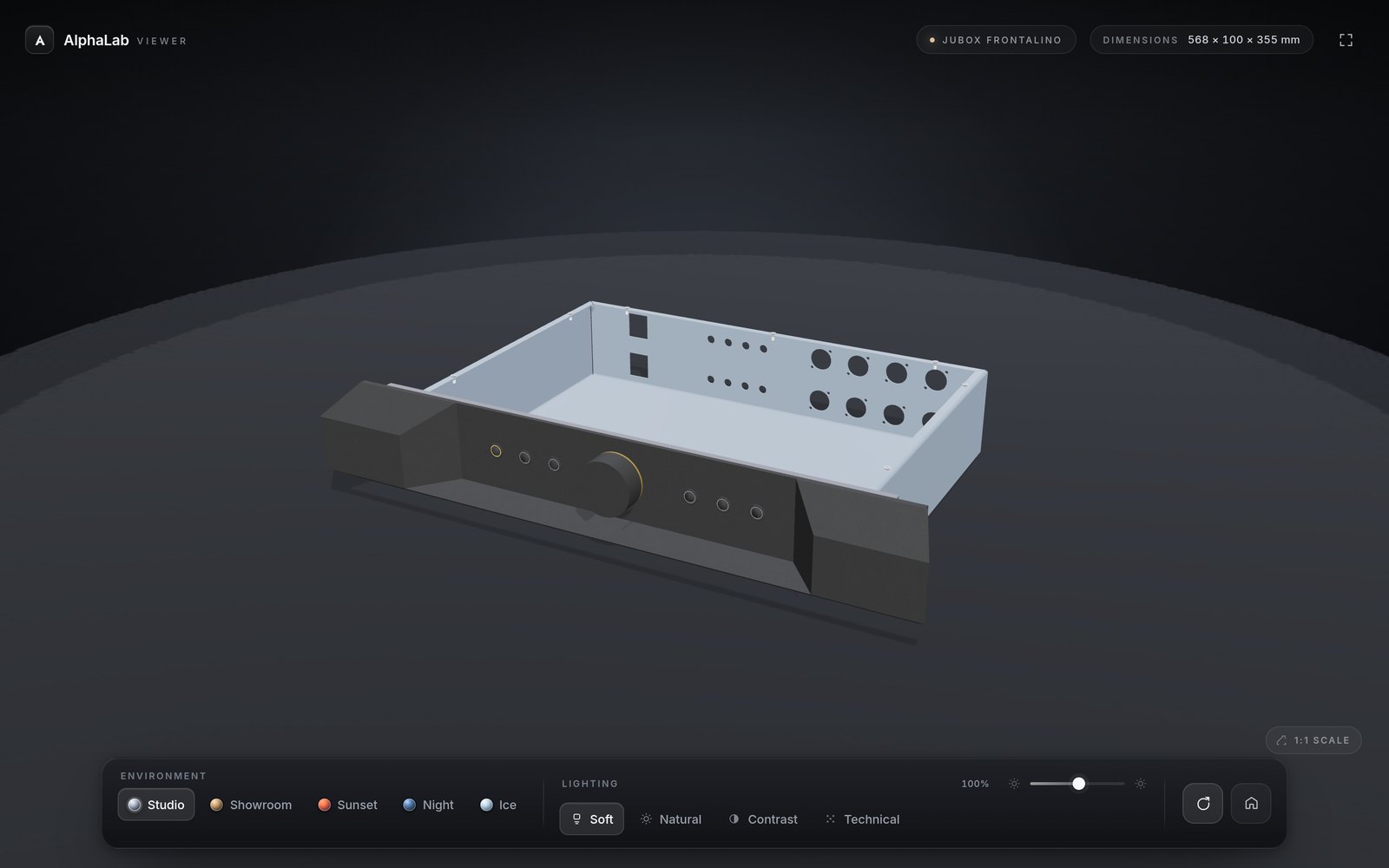
A rendering is a picture. AlphaLab is the meeting where the client finally understands the object — its size, its finish, the way light lands on it.
Models are presented at their real metric size, with dimensions your client can read and trust.
Five environments and four lighting rigs, calibrated so PBR materials read exactly as intended.
WebXR on Android, AR Quick Look on iOS. The product stands on the floor of the room, at real size.
AlphaLab never touches colour, roughness or textures. What you modelled is what they see.
Send a URL. No plugins, no accounts, no downloads — it opens on a phone in the room with you.
From a 27-inch studio display down to a 390-pixel phone, the interface steps out of the object's way.
Export a GLB from your CAD or DCC tool. Geometry, textures and PBR values come across as they are.
Choose an environment and a lighting rig, then trim the intensity until the finish sits right.
Your client opens it on the phone already in their hand — and places the object in the room.
Live interactive model
A machined front panel presented in real scale, lit by the studio rig and ready to be placed on your client's desk.
One tap takes the model out of the browser and into the room. AlphaLab uses WebXR where the platform allows it and AR Quick Look wherever it doesn't — the client never installs anything.
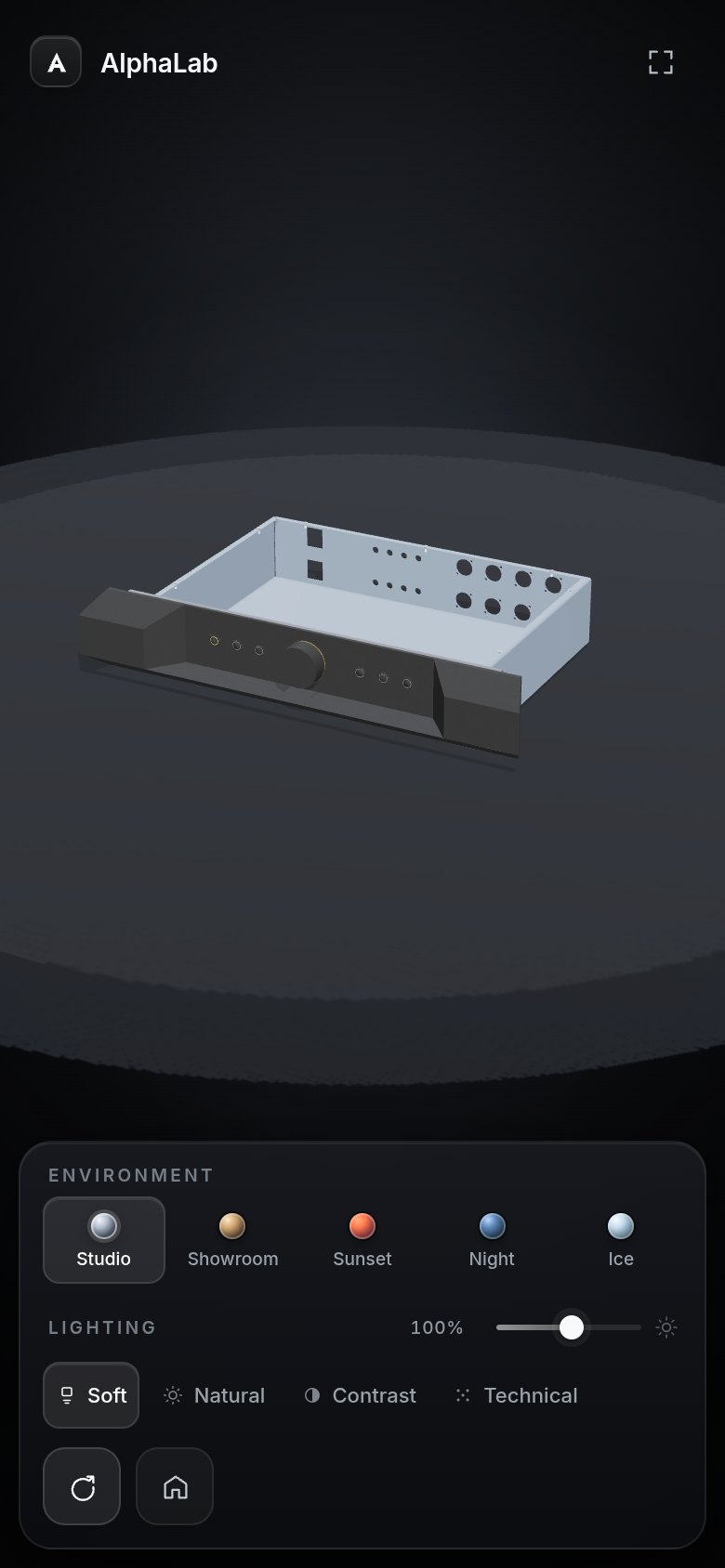
See the JUBox Frontalino in the live viewer, or write to us for a walkthrough with your own model.